You haven't signed in yet, you can have a better experience after signing in
WinRAR 7 Well-Known Decompression Tool Software
Activity Rules
1、Activity time:{{ info.groupon.start_at }} ~ {{ info.groupon.end_at }}。
1、Activity time:cease when sold out。
2、Validity period of the Group Buying:{{ info.groupon.expire_days * 24 }} hours。
3、Number of Group Buying:{{ info.groupon.need_count }}x。
Please Pay Attention
1、Teamwork process: Join/initiate a Group Buying and make a successful payment - Within the validity period, the number of team members meets the activity requirements - Group Buying succeeded!
2、If the number of participants cannot be met within the valid period, the group will fail, and the paid amount will be refunded in the original way.
3、The number of people required and the time of the event may vary among different products. Please pay attention to the rules of the event.
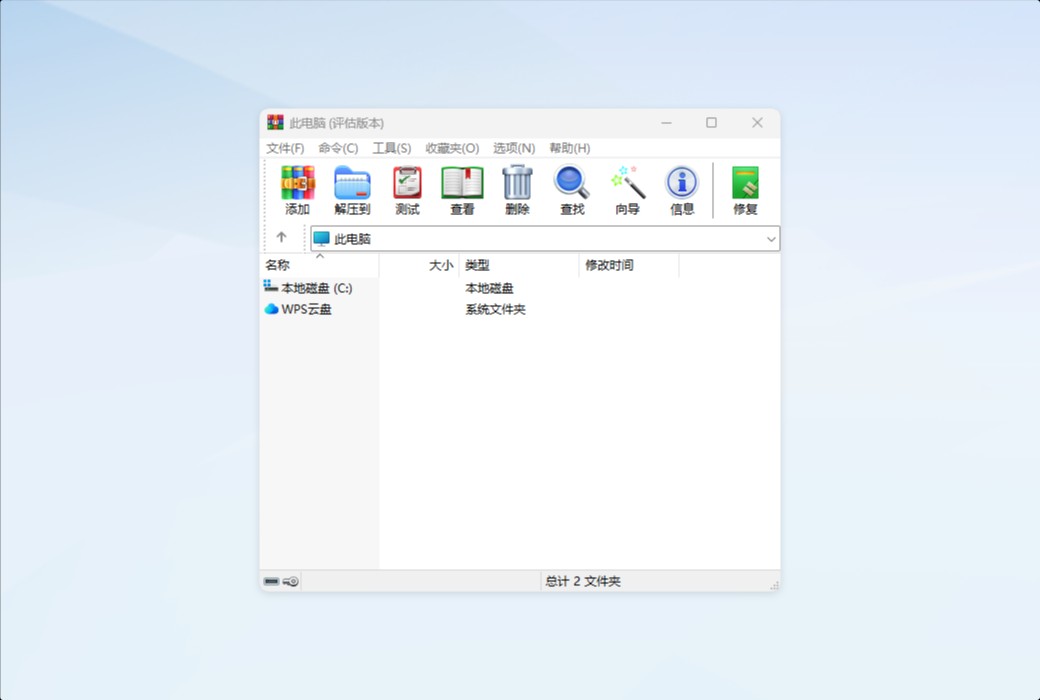
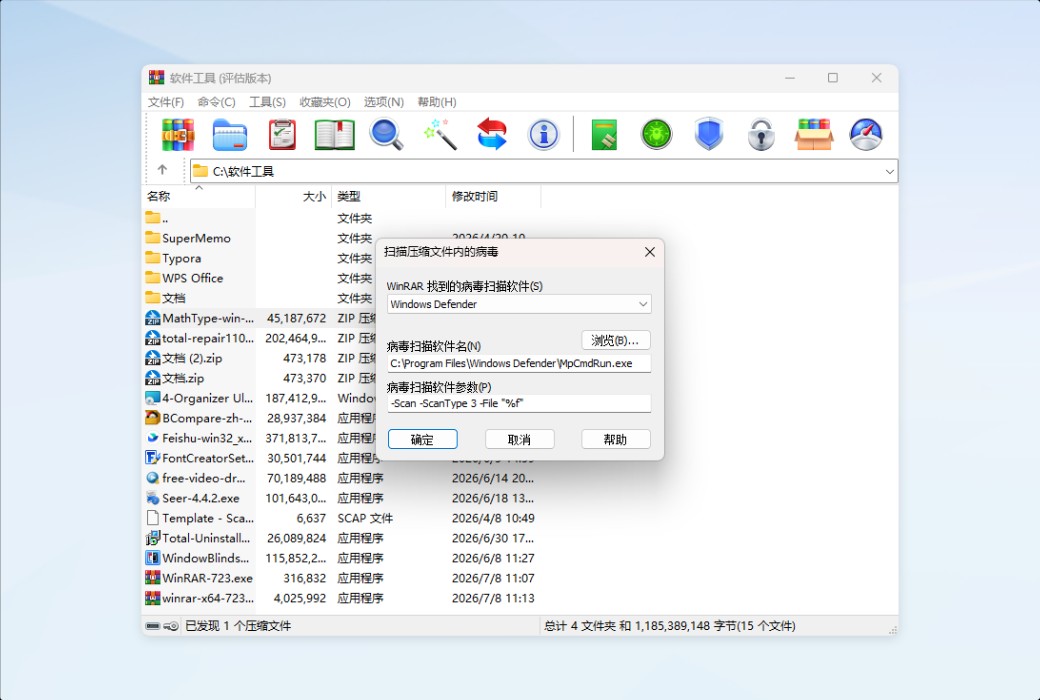
WinRAR is a powerful compressed file management tool that helps you manage compressed files. A practical software that integrates file compression, encryption, packaging, and data backup
WinRAR has over 500 million users worldwide and is currently the most popular compression software. There is no better way than it to achieve efficient and secure file transfer, reduce email transfer time, or quickly compress and decompress your files to save disk space.
RAR and WinRAR fully support Windows 11 ™ And Windows 10 ™ The operating system has over 50 languages (32-bit and 64 bit) and many other operating system versions to choose from, making it the only globally compatible compression software that supports Unicode encoding.
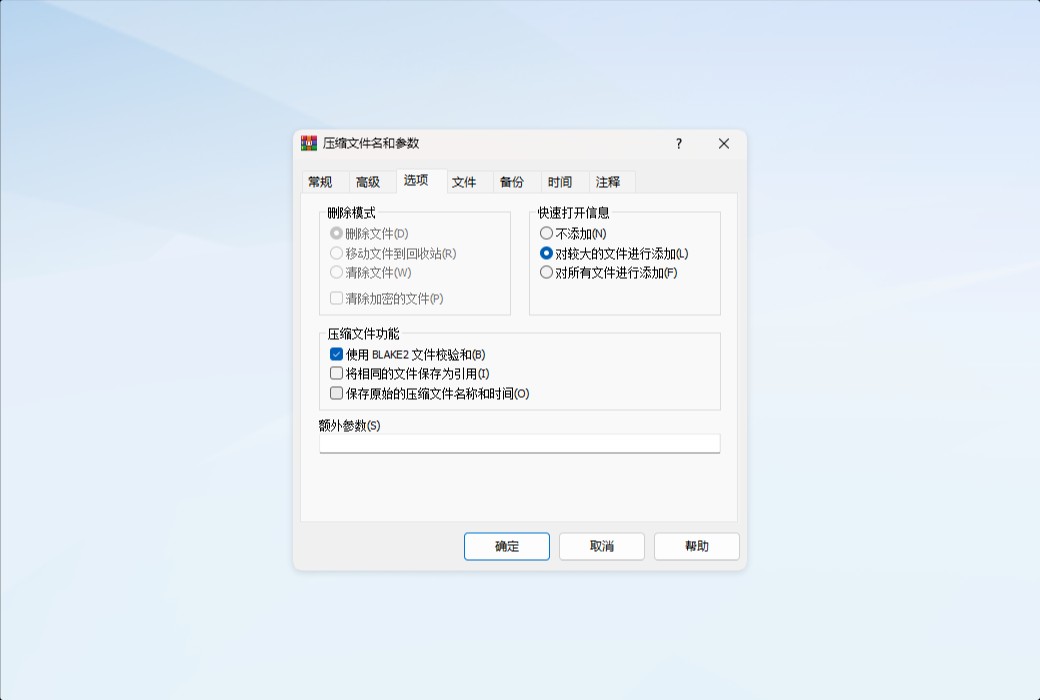
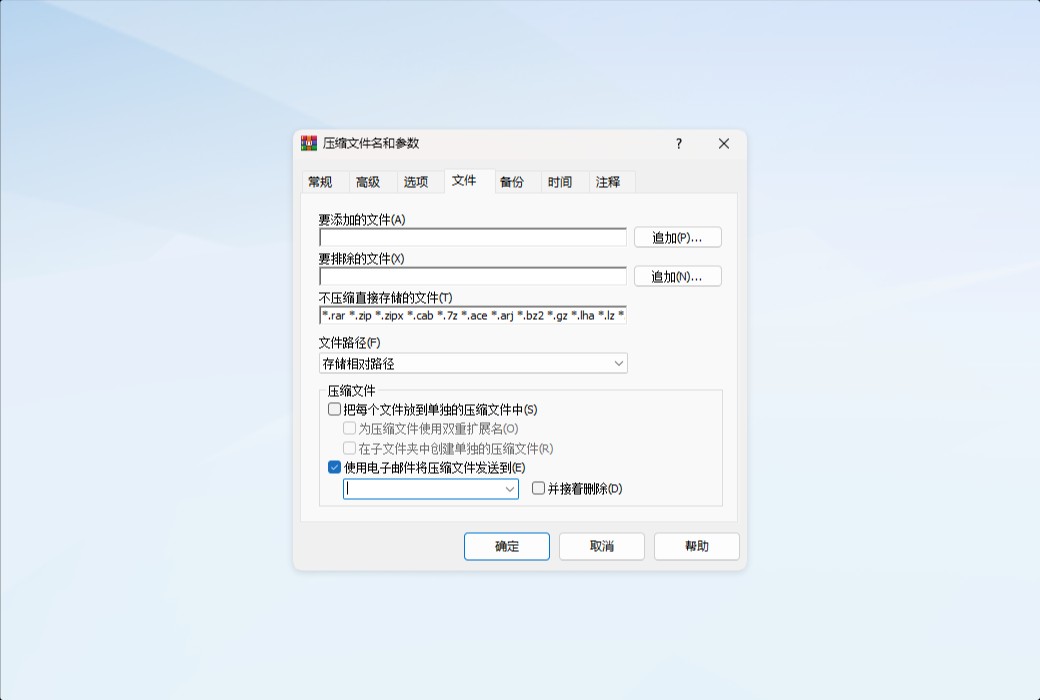
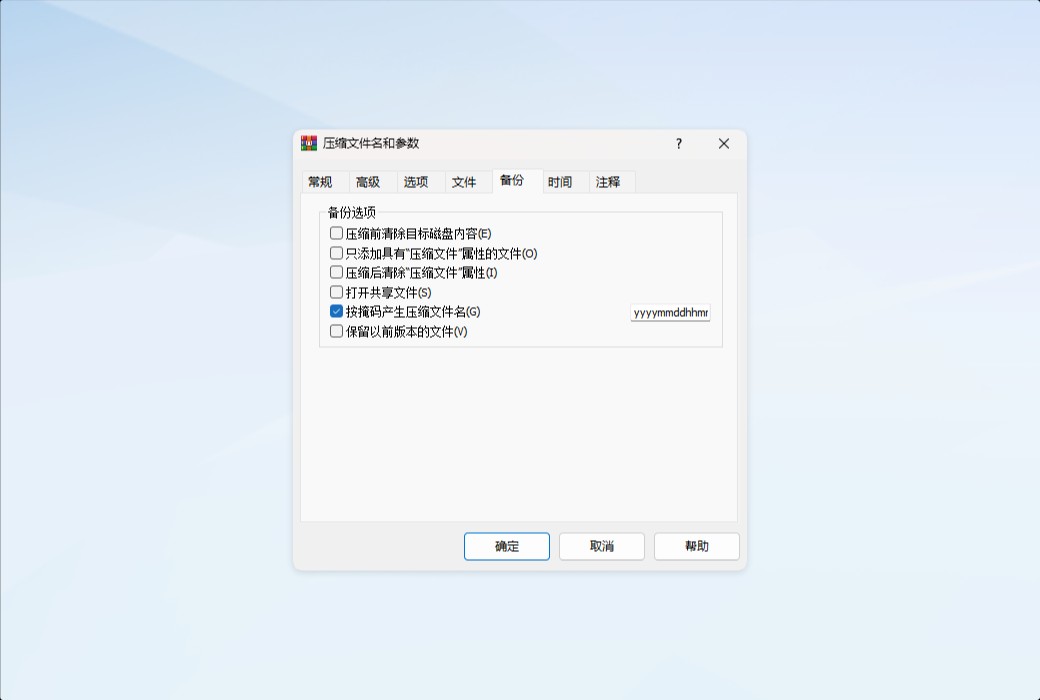
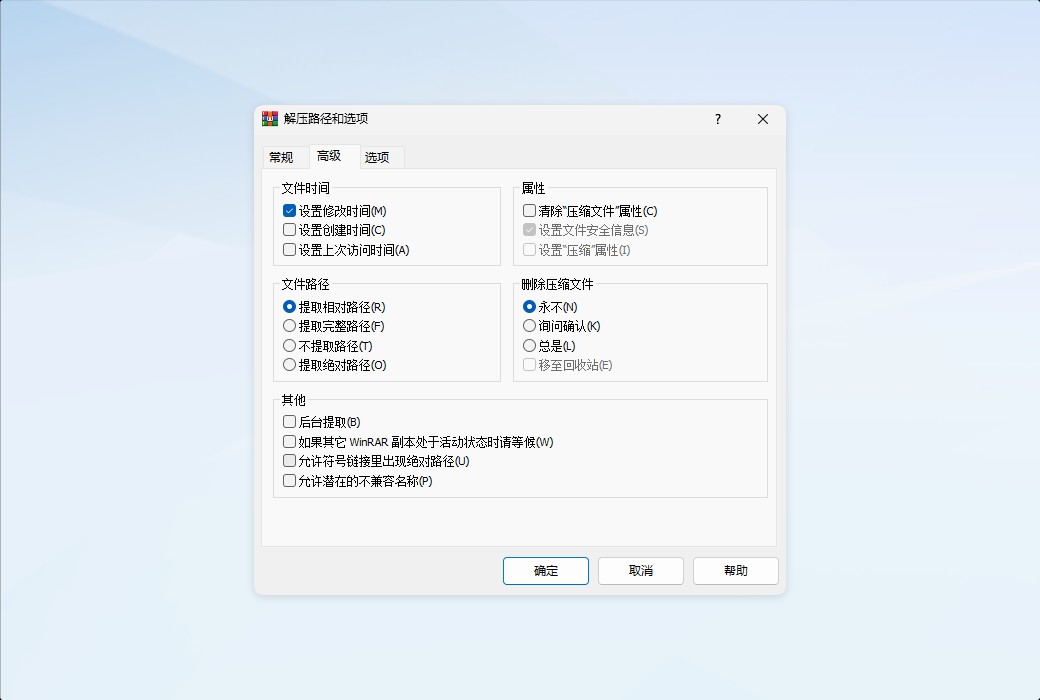
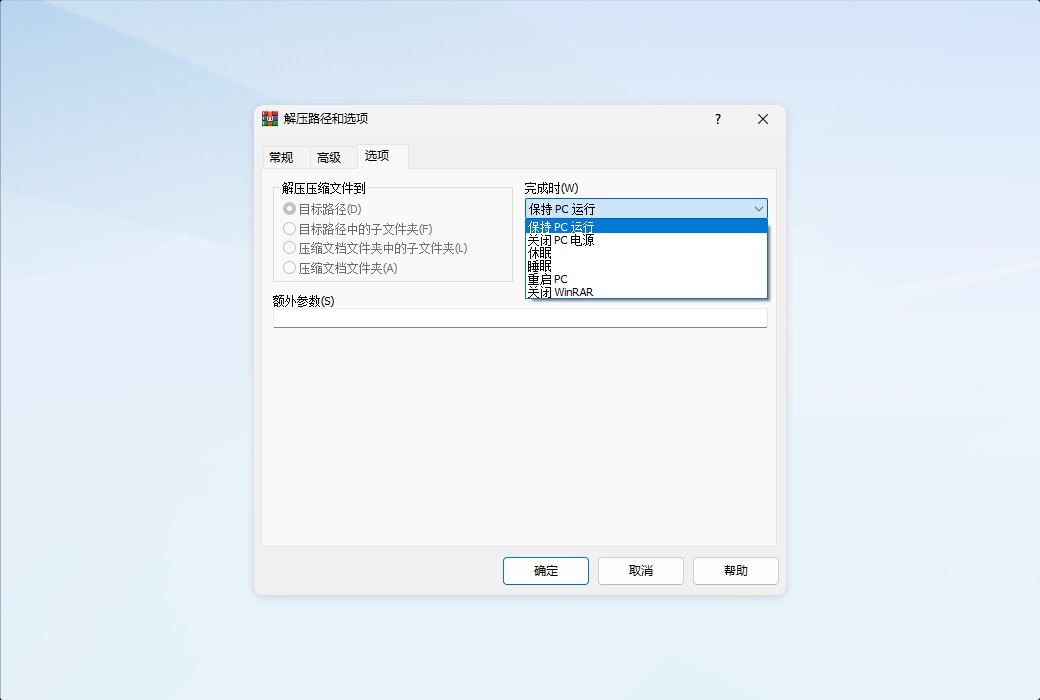
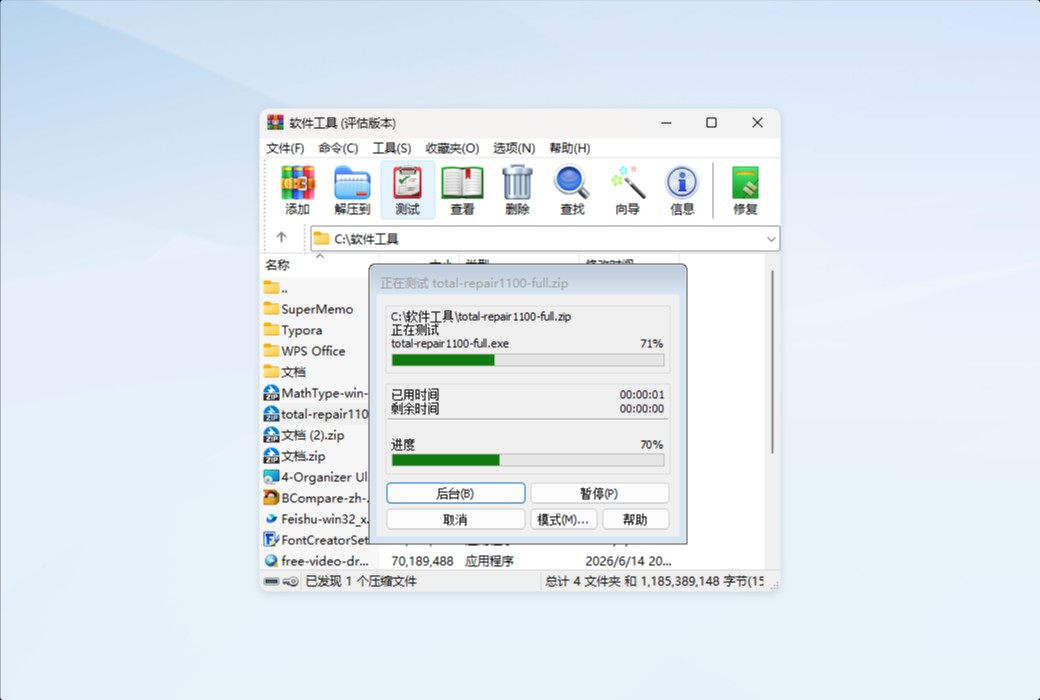
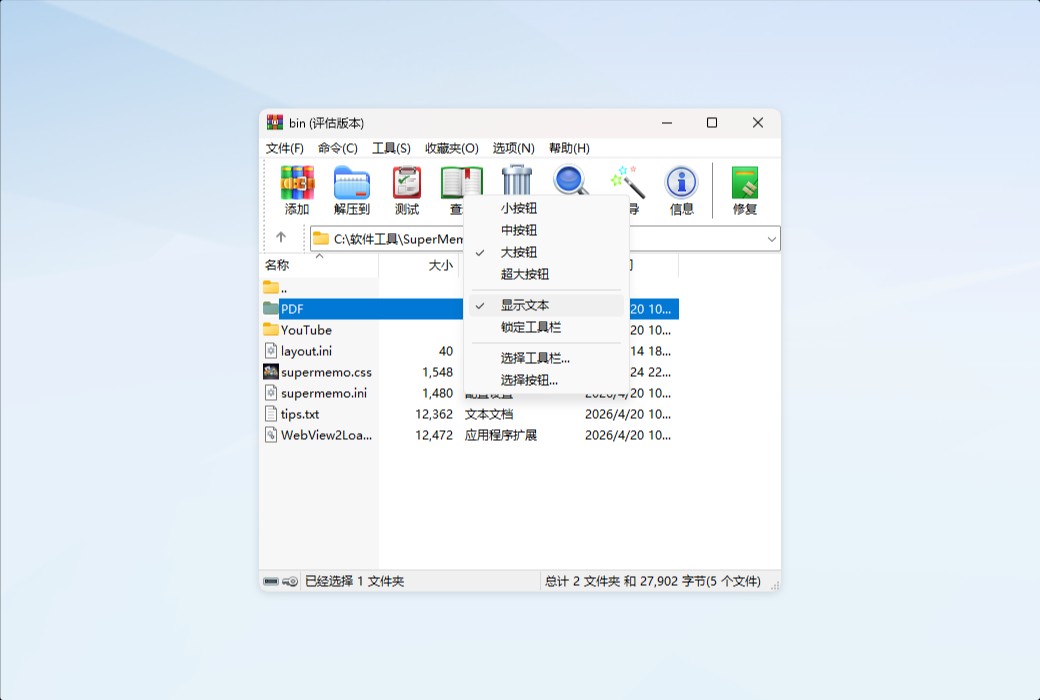
major function

Official website:https://www.win-rar.com
Download Center:https://winrar.apsgo.cn
Backup Download:N/A
Delivery time:Manual processing
Operating platform:Windows
Interface language:Supports Chinese interface display, with multiple languages available.
Update instructions:The current version is lifetime valid and supports minor version updates and upgrades, such as v7.0x
Pre purchase trial:Free version with limited functionality before purchase.
How to receive the goods:After purchase, the activation information will be sent to the email address at the time of placing the order, and the corresponding product activation code can be viewed in the personal center, My Orders.
Number of devices:Can install 1 computer.
Replacing the computer:Uninstall the original computer and activate the new computer.
Activation guidance:To be added.
Special instructions:To be added.
Reference materials:https://www.win-rar.com/start.html
Any question
WinRAR can create compressed packages consisting of multiple files. Such compressed packages are called multi-volume compressed packages, and the individual files within them are referred to as volumes. Volumes are commonly used for storing large amounts of data on removable disks or for transmitting data via email.
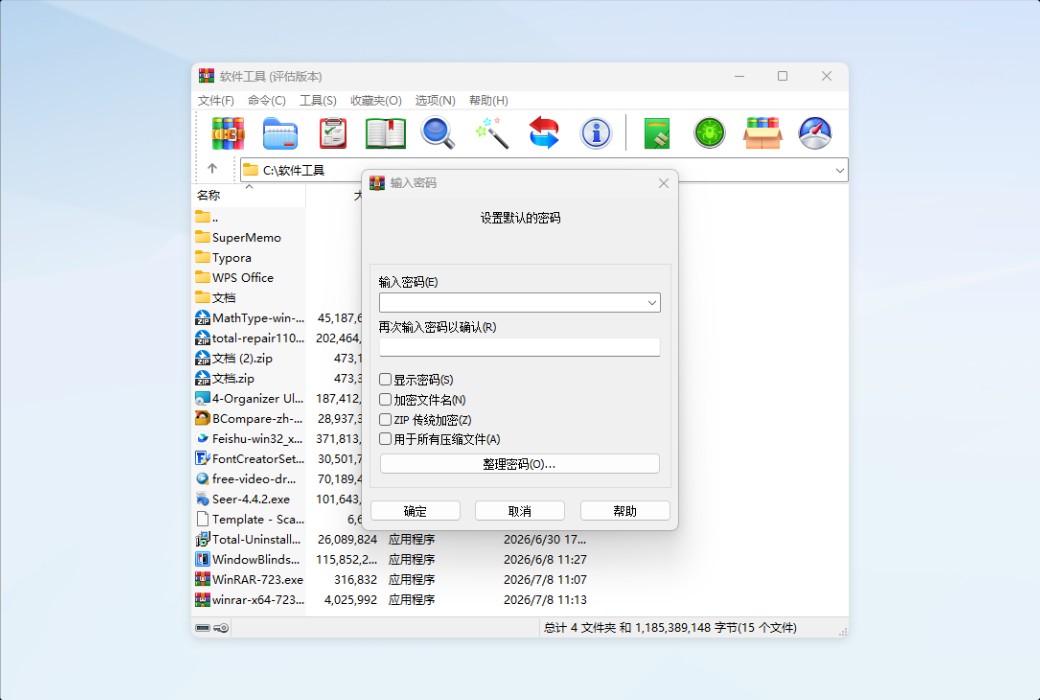
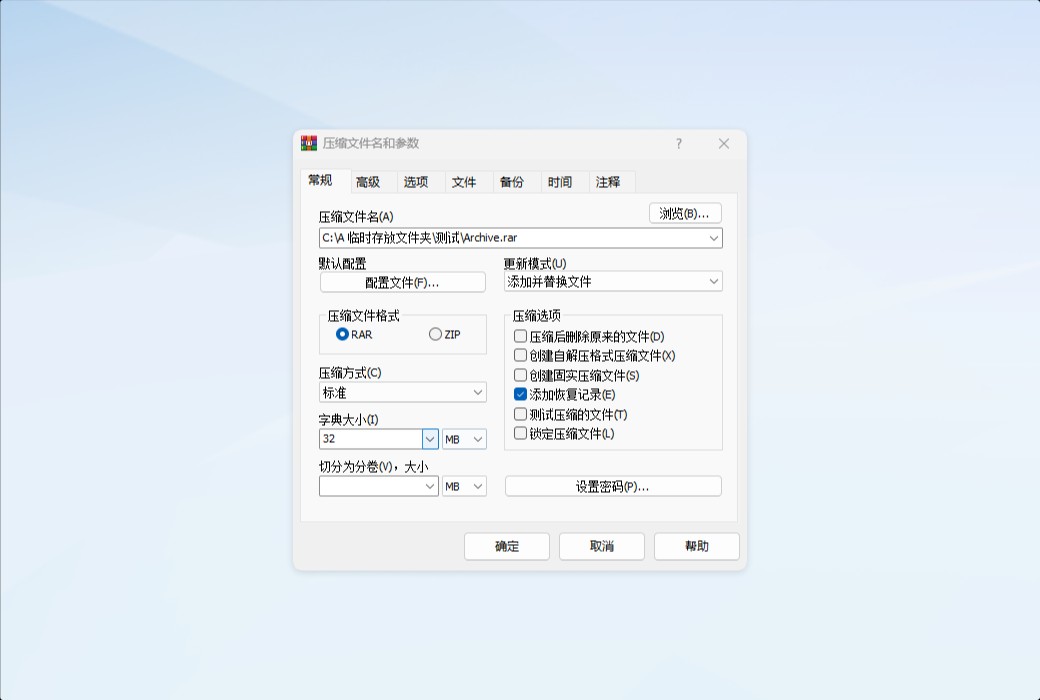
If you want to compress and split files, you can select the desired volume size in the "Compression Volume Size" field under the "General" tab in the "Archive Name and Parameters" dialog box.
By default, the volume size is entered in bytes. If you add the lowercase letter "k" at the end of the value, the entered value will be treated as kilobytes (multiplied by 1024); using uppercase "K" indicates kilobytes (multiplied by 1000), "m" indicates megabytes (MB), and "M" indicates megabytes.
You can also select the volume size from the list associated with this item. Note that if compressing to a removable disk, you can select "Auto-detect" from the list, and WinRAR will automatically select a size for each new volume.
For multiple CDs, you can enter, for example, "700m" to correspond to a 700MB CD. WinRAR will create a multi-volume compressed package (volname.part001.rar, volname.part002.rar, etc.). All volumes are 700MB, but the last volume may be smaller. Afterwards, you can burn the volumes to CDs or DVDs, or save them to a USB drive.
Some burning programs have special test modes that can be used to determine the maximum capacity of a blank CD, allowing you to enter the maximum size of the volume.
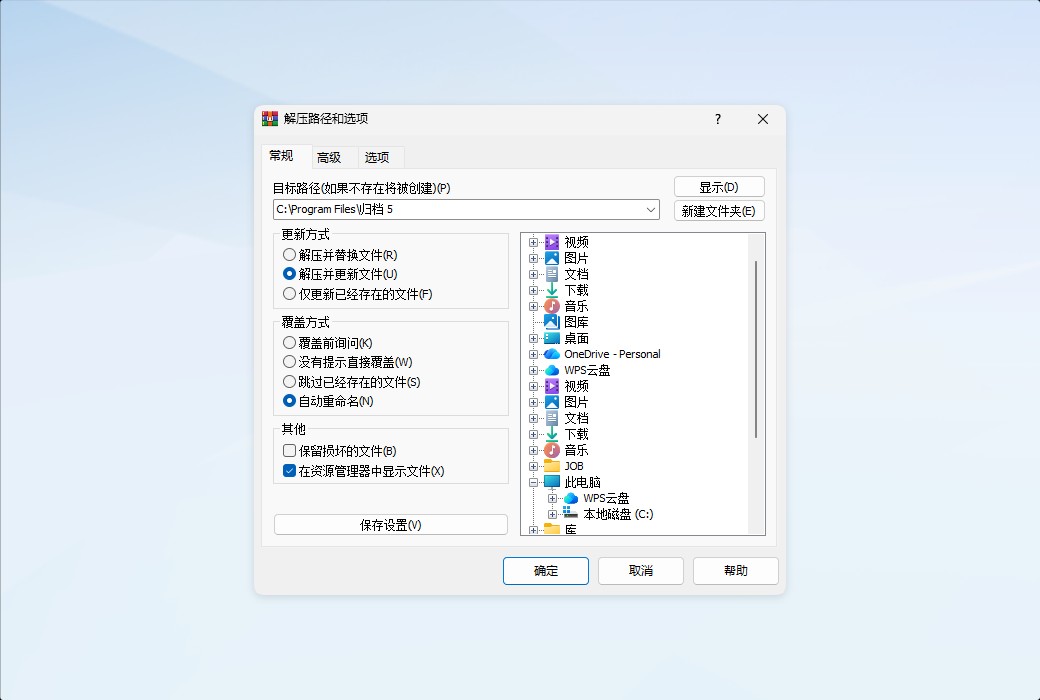
To decompress these volumes, you should start with the first volume and select "Process all files from all volumes" from the pop-up menu. If the volumes are stored on non-removable media such as hard disks, you will need to place all volumes in the same folder before starting the decompression process.
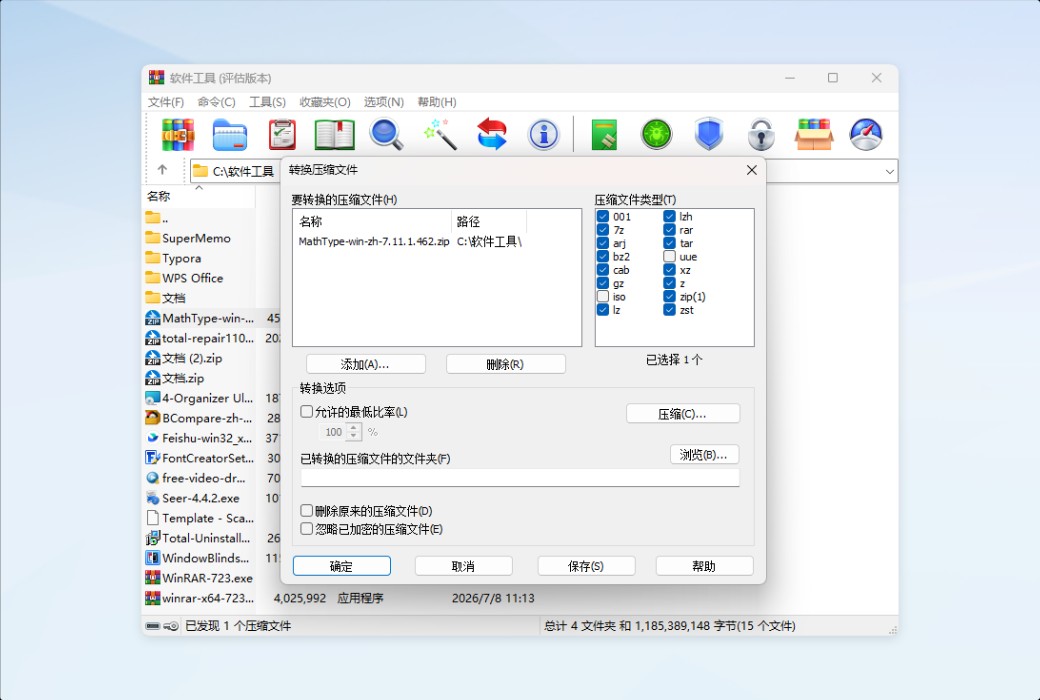
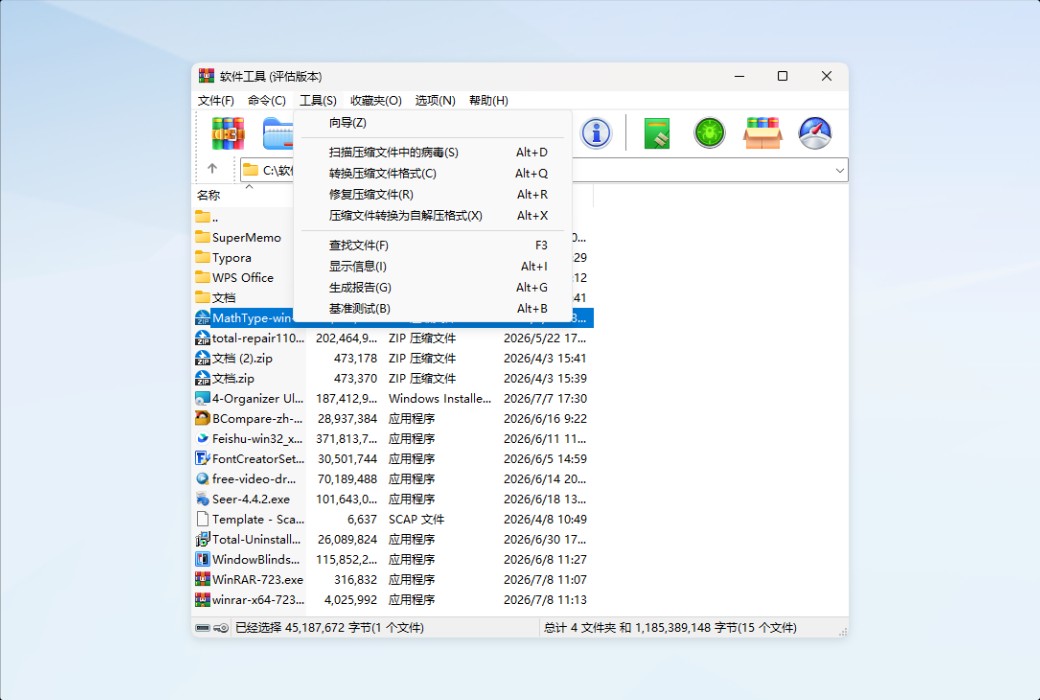
To repackage a single RAR or ZIP compressed package into a multi-volume compressed package, use the conversion function in the WinRAR Tools menu.
.